The UEFA Champions League tournament is playable in FIFA 19. It is available under PLAY menu.
UEFA Champions League and its exclusive content are also available in other FIFA 19 game modes including, Kick-off mode Career mode, The Journey and FUT 19.
To play UEFA Champions League 2018-2019 season you need to go to PLAY menu and choose UEFA Champions League screen. Then you will see the group stage teams of the current UCL tournament to select your team(s) – Up to 32 teams.
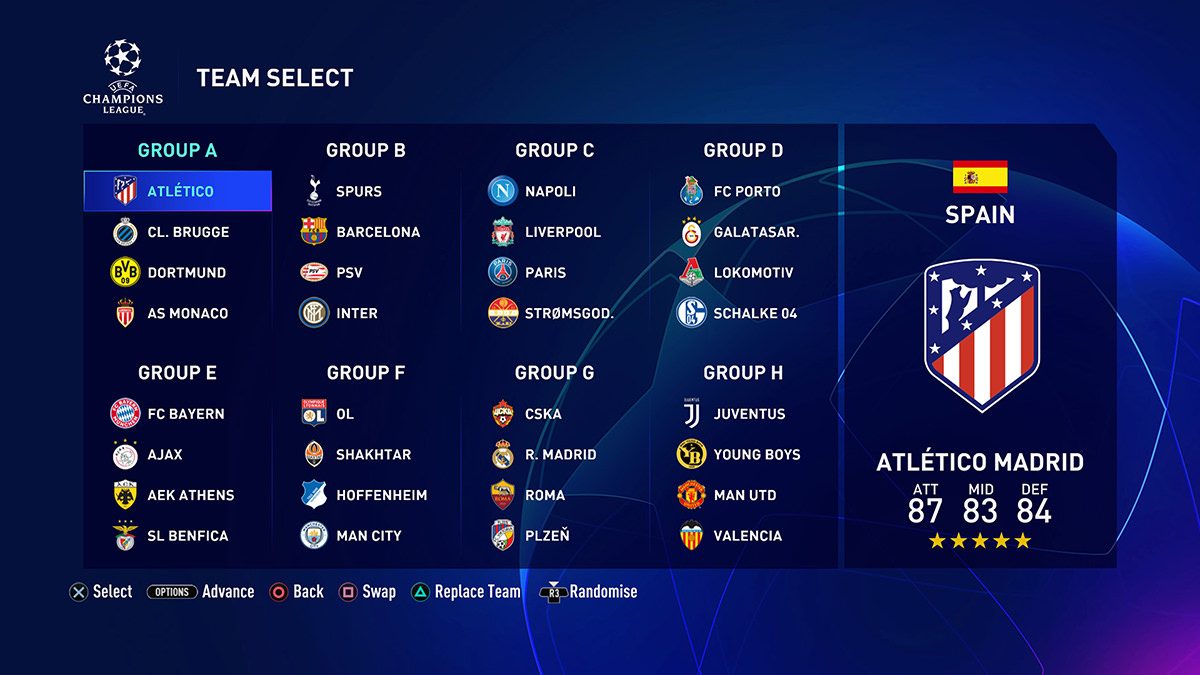
You can swap (move a team from a group to another), replace (replace a current team with other teams from FIFA 19) and randomise the group draw before you advance to the next screen.
Then, you will be redirected to the Champions League menu. From there you access to Central and Squad tabs:
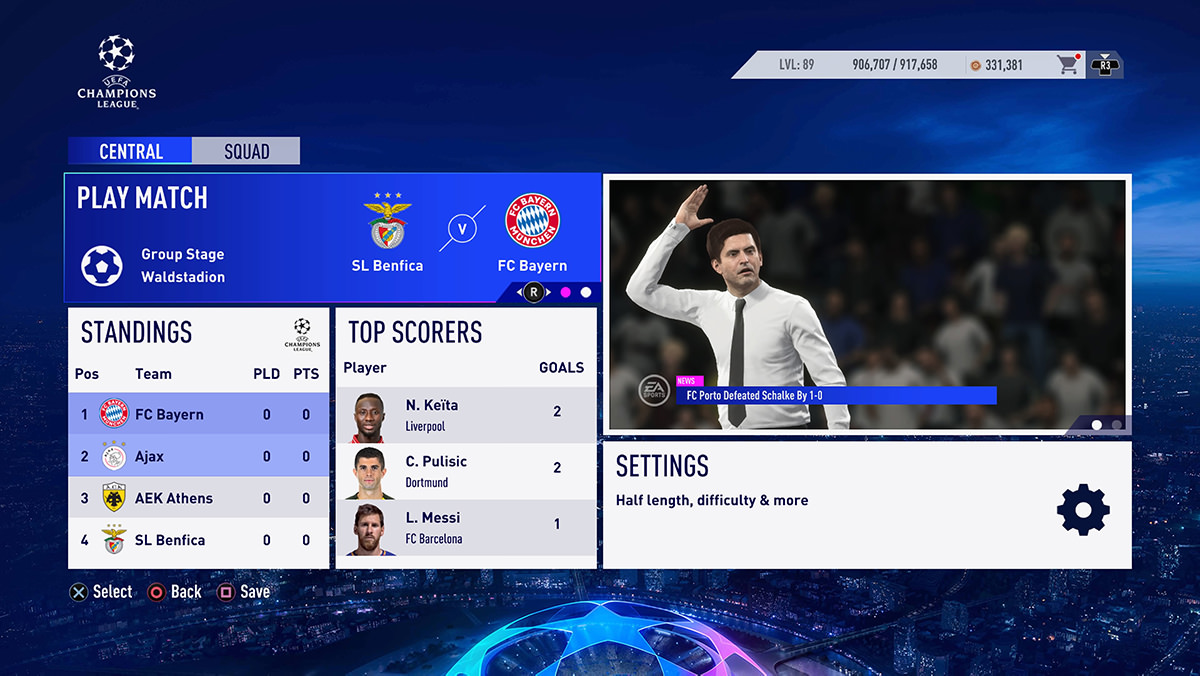
Central
You can play or simulate your matches, view the standing and fixtures, top scorers, do customise your settings and watch the cinematic videos.
Squad
You can access the Team Management screen, set team sheets, view the team stats and edit players.
You can also access the EASFC Catalogue from there as well.
Liverpool is the best
I want to play UCL with some other team
Can I do that ?
Can I change teams in Fifa 20?
I cant play my last ucl game in fifa 19 it keep sheeting down
I cant simulet or play a ucl match in creear mode it keep swiching off
I finished one tournament of championship league -but some how I can’t open a new season, how I do it ?
I’ve no idea! If you find out let me know, cus it’s infuriating me…
Me too, I can`t figure it out, i think its a bug
Did u find out?
any word?… WTF!
Me too! Did you fix it????
OH, I FIXED IT!!!
Go to ‘Play’, Not ‘Home’, and find the Champions league button. Then, press next, and it’ll start a new one
Where is the next button?
I don’t see next here
You need to delete saved games related to CL and than you will be able to play a new game in CL
I don’t understand why but the UEFA champions league game mode is not on my xbox 360 fifa 19. Maybe my Xbox is to old. If it’s unavailable on Xbox 360 please write it to my email
FIFA Champions league is not on XBOX 360/PS3. ONLY PC AND XBOX ONE/PS4 ALONGSIDE NEW FEATURES