Rivals is a competitive online mode in Ultimate Team where players climb a seasonal skill-based ladder, either solo or with a friend in Co-Op. Win matches to move up through Ranks and Divisions, unlocking better rewards along the way. You will also earn Champions Qualification Points depending on your current Division, which you can use to qualify for the Ultimate Team Champions Play-Offs.
How to Play Rivals
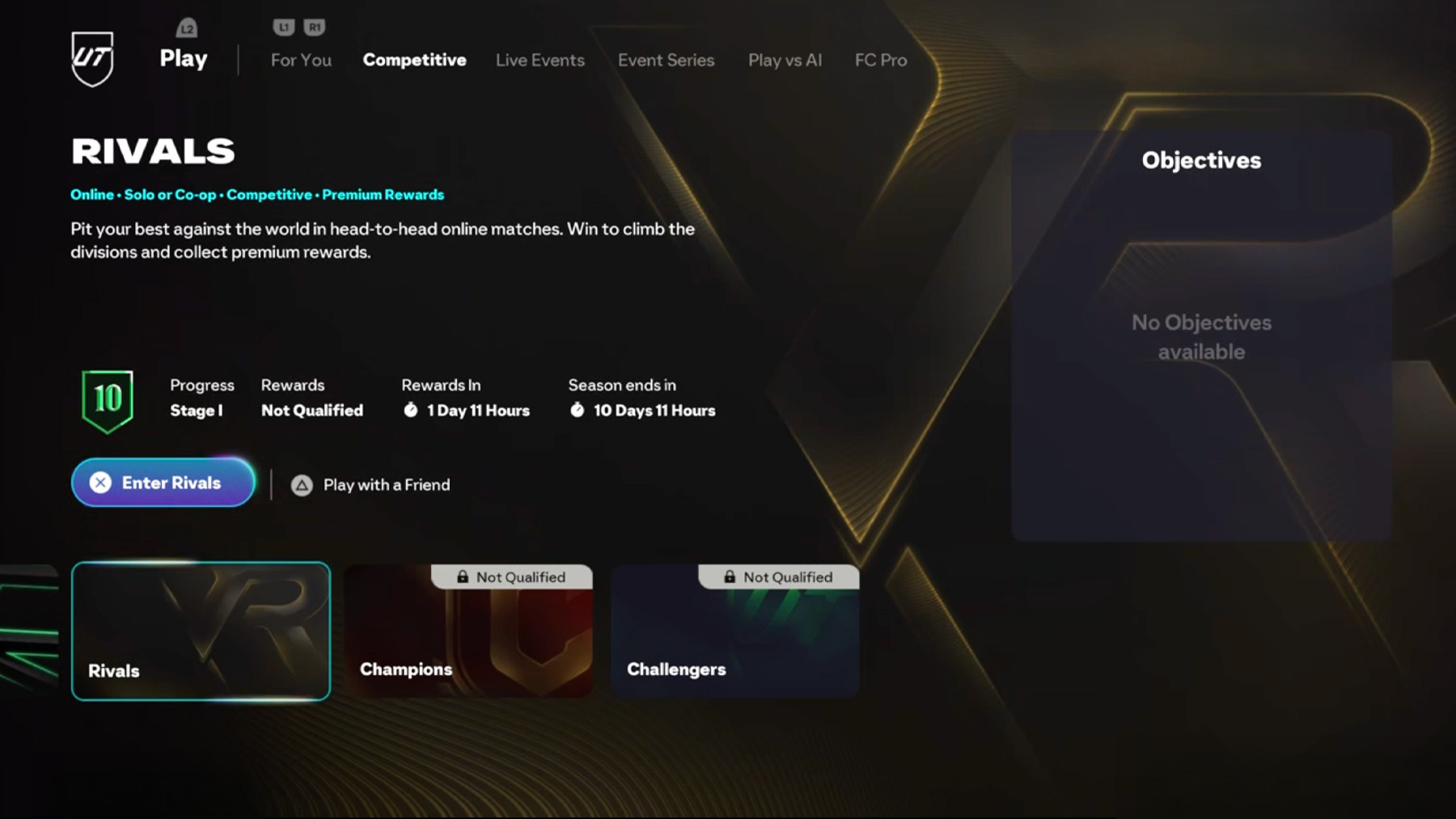
Rivals is available in FC 26 > Ultimate Team > Play > Competitive > Rivals
Progression
How does progression work in Rivals?
Your position on the Rivals ladder changes depending on your match results. Each Division is made up of multiple Stages, and you move through them as you play.
- New players start in Division 10. However, if you played a previous FC title, your prior placement may be taken into account.
- To move from one Division to the next (e.g., Division 10 to 9), you’ll need to progress through each Stage in that Division.
- Winning a match moves you up a Stage.
- Winning two games in a row starts a Win Streak. While on a Win Streak, every win pushes you up two Stages instead of one, until the streak ends with a loss or draw.
- Draws keep you at your current Stage.
- Losing can push you back a Stage, unless you’re at a Checkpoint, which protects you from dropping further.
- Some Stages also unlock improved Weekly Rewards.
How is your Division determined?
You begin each season in Division 10, and your ongoing match results during the season decide how far you can climb.
At the start of a new season, you’ll be placed below the Division you ended in previously, giving you a chance to work your way back up.
How many Divisions are there?
There are 11 total Divisions:
- Divisions 10 through 1
- Followed by the Elite Division at the top
What is the Elite Division?
The Elite Division is the highest level in Rivals, meant for top-tier players. Once you reach Division 1 and continue winning, you’ll enter the Elite Division, where you’ll stay for the rest of the active season.
With cross-play enabled, Elite Division players are ranked on a global Top 200 leaderboard. You can switch between the global leaderboard and your local platform leaderboard, but the global one only shows when cross-play is on.
Note: Nintendo Switch™ players have their own separate leaderboards, as cross-play isn’t supported.
How do Rewards Work in Rivals?
Weekly Rewards
Your weekly performance affects your rewards:
- Earn points by winning matches throughout the week.
- The higher your Division and Rank, the better the rewards.
- Win more matches to unlock improved Weekly Rewards.
How do I claim my rewards?
Once the weekly cycle ends, you can claim your rewards:
- In-game
- On the Ultimate Team™ Web App
- Or through the Companion App
When are Weekly Rewards released?
Rewards become available every Thursday at 06:59 AM UTC.
Matchmaking in Rivals
Divisions 10–1
In both Solo and Co-Op play, matchmaking in Divisions 10–1 is based on three key factors:
- 1. Your location – Determines which EA SPORTS FC™ server (Game Data Center) you’ll connect to.
- 2. Your Rank – You’ll face players with similar Ranks. In Co-Op, matchmaking uses the higher-ranked player.
- 3. Your platform – If cross-play is enabled, the matchmaking system considers platform generation.
Elite Division Matchmaking
Matchmaking in the Elite Division considers:
- 1. Location & Server – Determines your connection server.
- 2. Skill Rating – You’re matched with players who have a similar Skill Rating. Once you reach a Skill Rating of 2200 or above, matchmaking treats everyone in that range equally to speed up match finding.
- 3. Platform – Cross-play must be enabled to match players across platforms.
Comments