The Practice Arena in EA FC 26 is your all-in-one free-play training pitch where you can rehearse shooting, dribbling, skill moves, set pieces, and defending without time limits or match pressure. It’s the fastest way to build muscle memory before you jump into Ultimate Team, Career, Clubs, or online play. In Practice Arena, you can set up different scenarios, choose your player, or even switch teams to test your abilities against real-life skillsets.
How to Access
From the main menu go to Learn to Play > Practice Arena. Choose your outfield player and a goalkeeper, then load straight onto the pitch.
Why Use the Arena?
- No pressure: Unlimited attempts with no clock or scoreline.
- Targeted practice: Focus on one mechanic, shooting accuracy, first touch, or a new skill, until it sticks.
- Transferable skills: Everything learned here translates directly to matches.
What You Can Do
- Free Shooting: Practice finesse, power, low-driven, chips, volleys, headers, and timed shots from anywhere.
- Skill Moves & Dribbling: Work through combinations and 1v1s at your own pace.
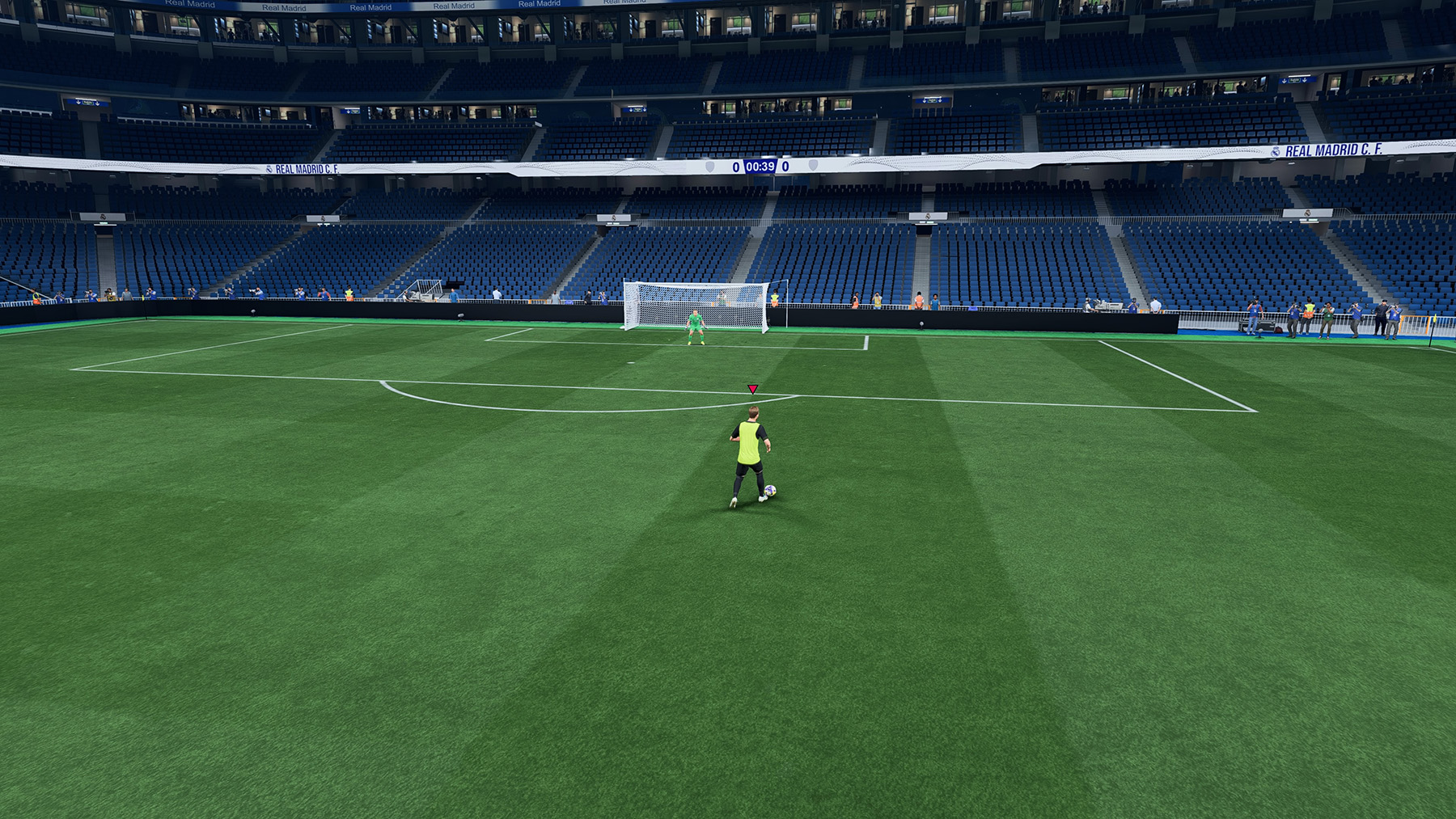
- Set Pieces: Swap to penalties, free kicks, and corners to perfect run-ups, power, and curl.
- Defending Reps: Add defenders and rehearse shielding, jockeying, tackles, and interceptions.
- GK Training: Face a live keeper to simulate real finishing scenarios.
- Custom Flow: Reset situations instantly and repeat sequences until they’re automatic.
On-Field Controls & Options
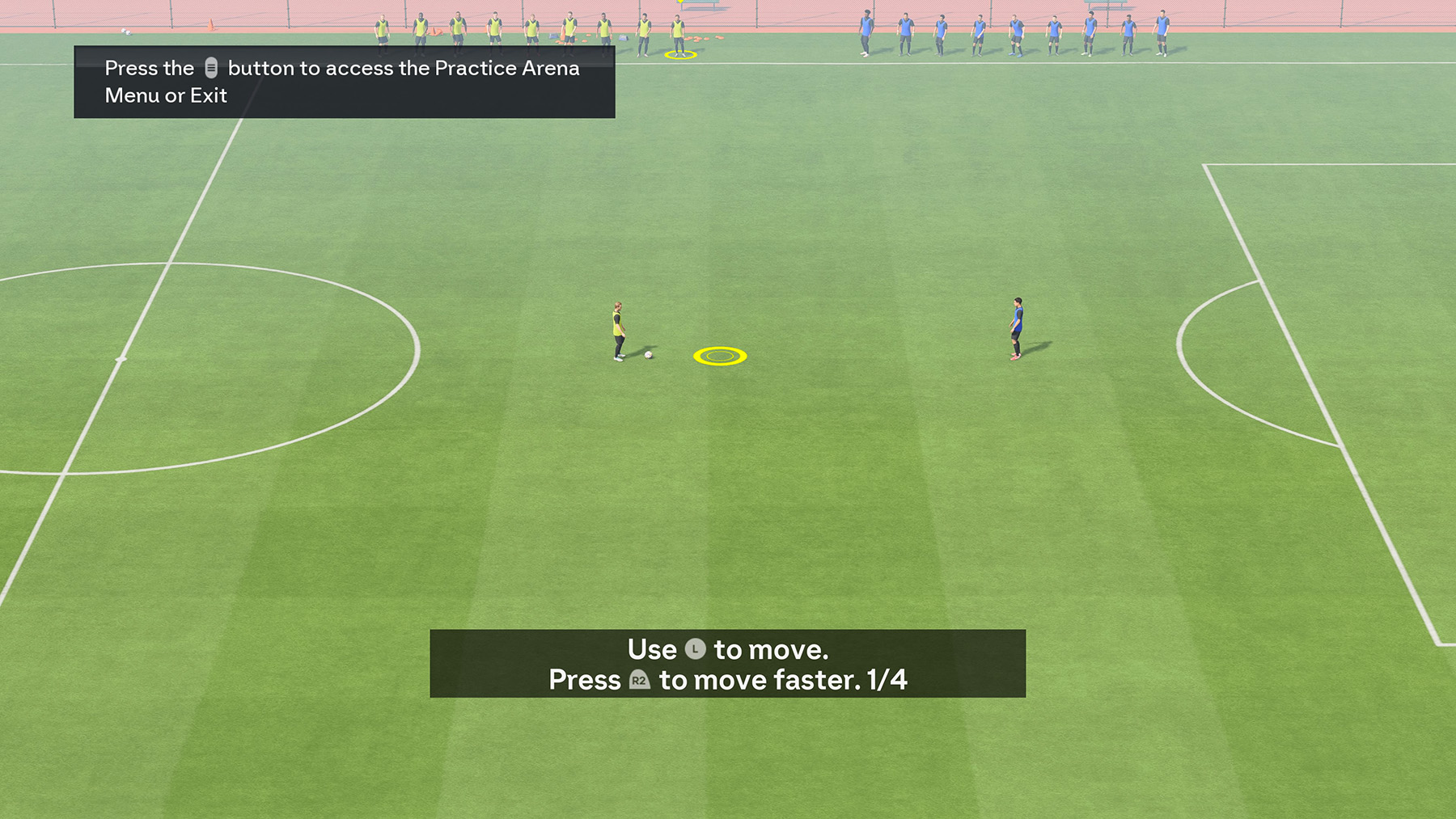
Once inside Practice Arena, you can set up your training scene with these controls:
- Move Cursor: L stick
- Move Faster: L + R2 / L + RT
- Grab/Drop Player: X / A
- Add a Player: Square / X
- Remove a Player: Circle / B
- Change Team (side): Triangle / Y
- Rotate Player: R stick
- Start/Stop Training: Press Touchpad
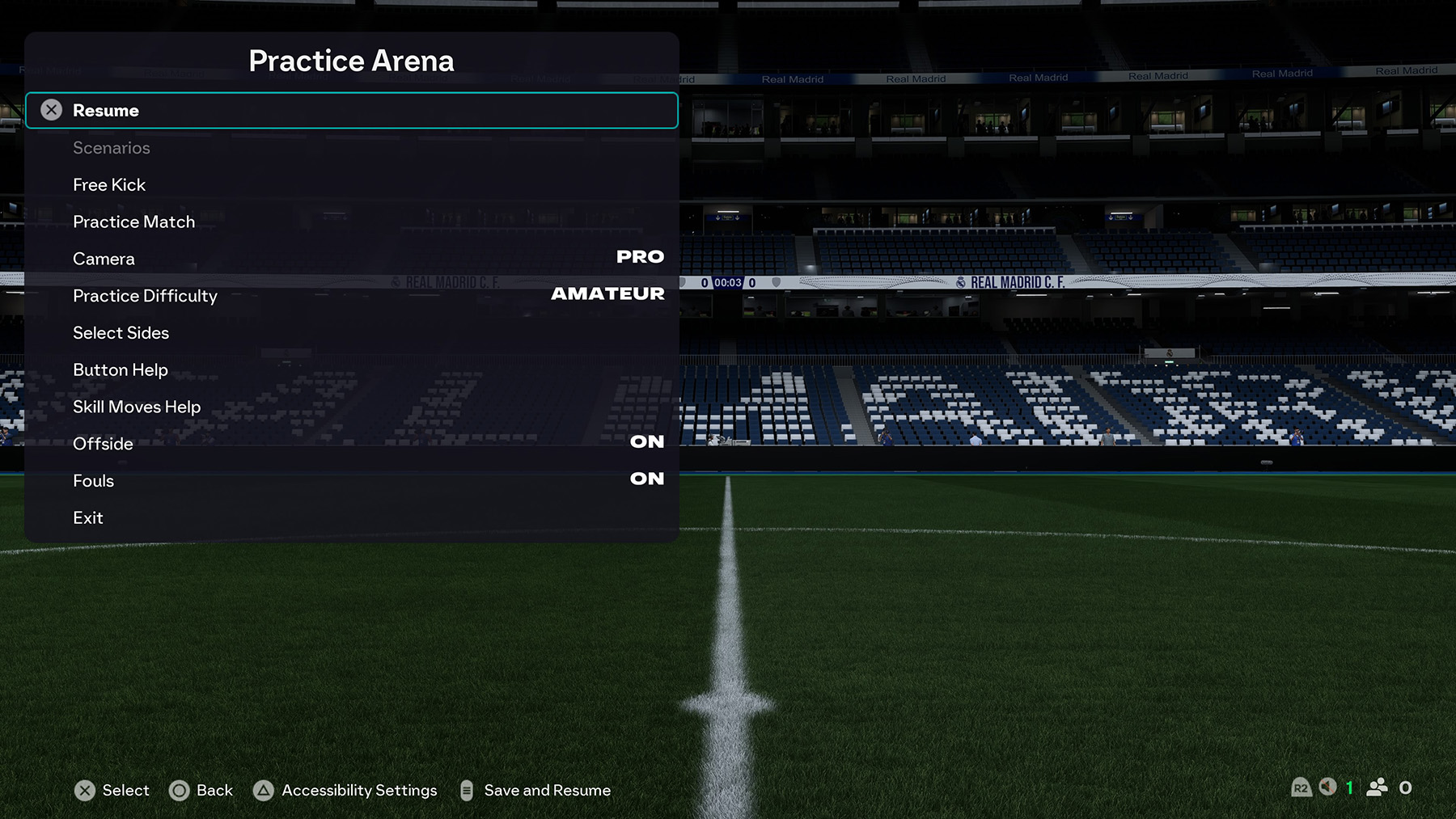
Options & Settings
| Option | Action |
|---|---|
| Scenario | Activate scenario mode |
| Free Kick | Place a free kick/penalty spot anywhere on the field |
| Practice Match | 11v11 practice match |
| Camera | Camera settings for all modes |
| Practice Difficulty | Difficulty levels |
| Select Sides | Single player / Multiplayer |
| Button Help | View FC 26 Controls |
| Skill Moves Help | View Skill Moves |
| Offside | On / Off |
| Fouls | On / Off |
| Exit | Exit Practice Arena |
Player & Team Selection
You can change your active player by removing the on-ball player (Circle / B) and dragging in another from the sidelines.
To swap teams, change your Favourite Team via Home > Settings > Profile > Profile Manager.
To change your goalkeeper, go to Home > Settings > Team Sheets, then replace your current GK.
Stadium & Weather Conditions
The stadium and weather used in Practice Arena are always based on the last Kick Off match you played.
If you want to change them, start a Kick Off match, adjust your stadium and weather settings, then exit.
When you return to Practice Arena, those chosen conditions will carry over automatically.
Pro Tips
- Dedicate short blocks (10–15 minutes) to a single theme – e.g., only low-driven finishes.
- Rotate players and footedness to prepare for different animations and shooting styles.
- Add a defender when a drill feels easy to pressure-test your timing.
- After arena reps, jump into Training Centre or Skill Games for structured challenges.
FAQ
Is Practice Arena offline?
Yes. You can use it anytime without an internet connection.
Can I change who I practice with?
Yes. Select any outfield player and a goalkeeper before loading in—or swap them once inside.
Do I earn XP, coins, or rewards here?
No. The Arena is purely for training and doesn’t grant objectives or rewards.
What’s the difference between Practice Arena and Skill Games?
Skill Games use structured drills with scoring and targets. The Practice Arena is an open sandbox—no rules, no timers.
Can I practice set pieces?
Yes. Switch to free kicks, penalties, and corners to refine placement and power.
Didn’t find the answer you were looking for? Leave your question in the comments, or explore our full EA Sports FC 26 FAQ page for more guidance.
Comments