Learn how to create your manager in FC 26 Career Mode and kickstart your journey on the sidelines.
CAREER MODE
You can access Career Mode from the FC 26 Home screen by going to MANAGER CAREER on the Home menu. If you haven’t created and saved a career yet, you’ll have the following options to start off:
- Live
- Original
If you’ve previously started a manager career, you can select one of the options above to continue your previous journey,
Select MANAGER CAREER
To start off your career in FC 26 as a manager, you have two choices:
- LIVE – It allows you to start their career at a specific point in the real-world season, reflecting current league standings, transfers, and even injuries/suspensions.
- ORIGINAL – It allows you to begin a new manager career using current squads at the time of your choosing
After selecting this, you can either create a new manager or choose a real-life manager. Creating a new manager lets you design a male or female manager from scratch.
PLAY AS REAL MANAGER
If you select “Play As Real Manager,” your manager will be chosen from the list of FC 26 managers (https://www.fifplay.com/fc-26-managers/).Do select your desired manager from your favourite league and proceed to advance.
CREATE A NEW MANAGER
If you choose to create a new manager, you will be prompted to choose a manager avatar and then edit and customise your manager character. The following steps and options are included in this customisation:
INFO
Personal information regarding your manager. Take note that you will NOT be able to change this information later:
- First Name
- Last Name
- Nationality / Region – Country name
HEAD
Here you can edit your manager’s head type, appearance, and features, including:
- Face – Face types & shapes
- Tone & Complexion – Head and face skin tones
- Eyes – Eye types, colours, shapes, position, separation, protrusion & rotation
- Brows – Eyebrow types, colours, shapes, position, separation, protrusion & rotation
- Nose – Nose types, shapes, position, separation, protrusion & rotation
- Mouth – Mouth types including size, position & protrusion
- Cheeks & Jaws – Position & fullness
- Chin – Size, protrusion & fullness
- Ears – Size, earlobe, protrusion, helix & pitch
- Hair – Hair colours & types (short, medium, long & accessorised)
- Facial Hair – Facial hair types & colours (moustache, beard, etc.)
OUTFITS
Information regarding your manager’s clothing:
- Inner Top – Choose clothing worn underneath the outer layer.
- Outer Top – Choose clothing worn over the inner layer.
- Outer Bottom – Choose trousers.
- Outfit Accessory – Select an accessory item for your manager’s outfit.
- Socks – Sock types/colours.
- Shoes – Shoe types/colours.
When you are finished customising, save and advance by pressing the Options/Menu button.
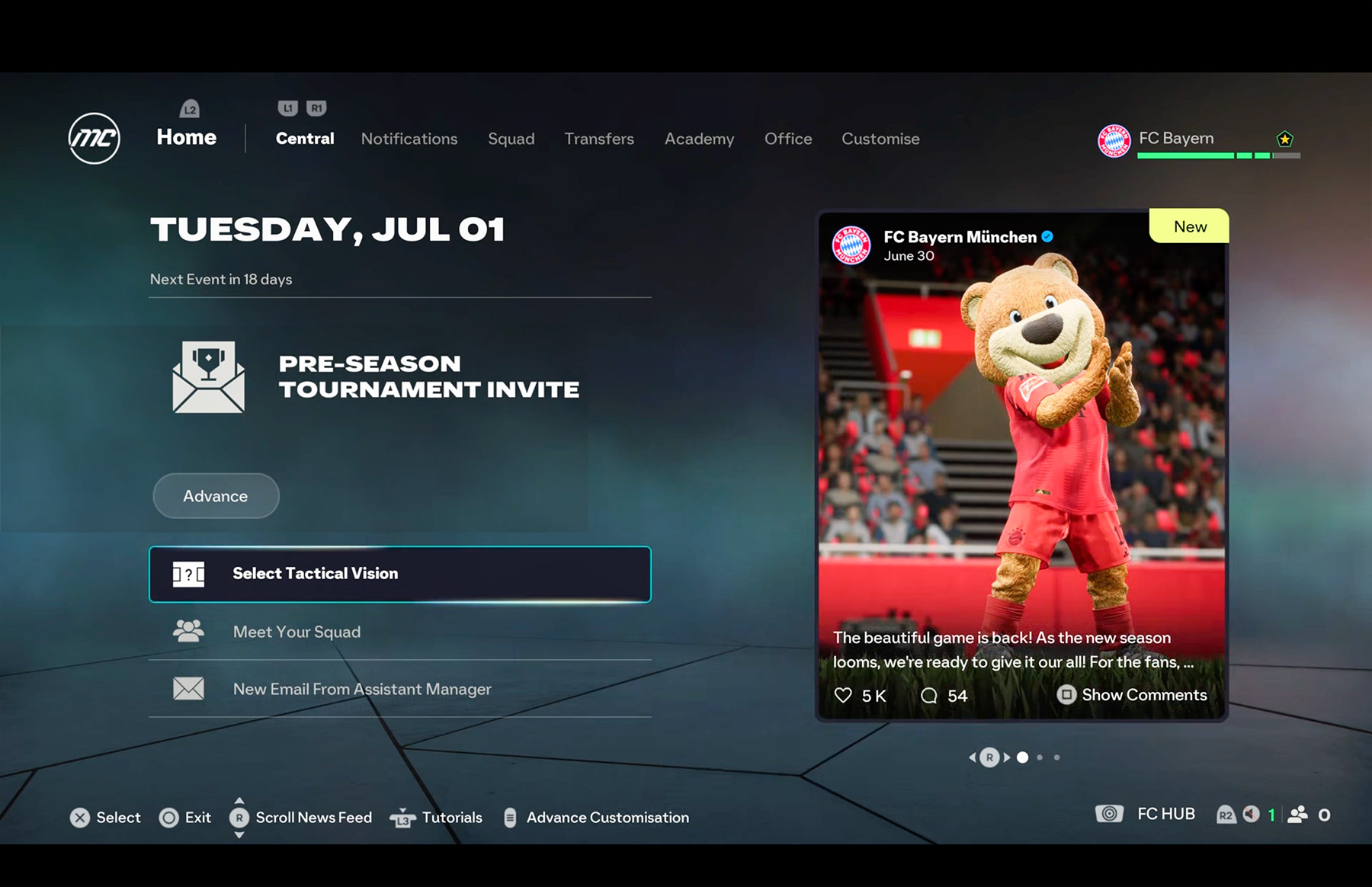
Once you have selected or created your manager, you can start your job with your club by choosing one of the following options:
- Authentic Club – Manage an existing club from the FC 26 database.
- ICONs & Heroes – Build a career leading a club filled with all-time great players.
- Create Your Club – Design and manage your own custom club from scratch.
After your club is selected, you can customise your club’s stadium before officially starting your career.
How to download the Player Career game