The Learn to Play mode in EA Sports FC 26 is your entry point into mastering the game. Whether you are new to FC, or just looking to sharpen your skills, this mode provides guided tutorials, practice drills, and training matches to help you understand the fundamentals and advanced mechanics of the game.
What is Learn to Play Mode?
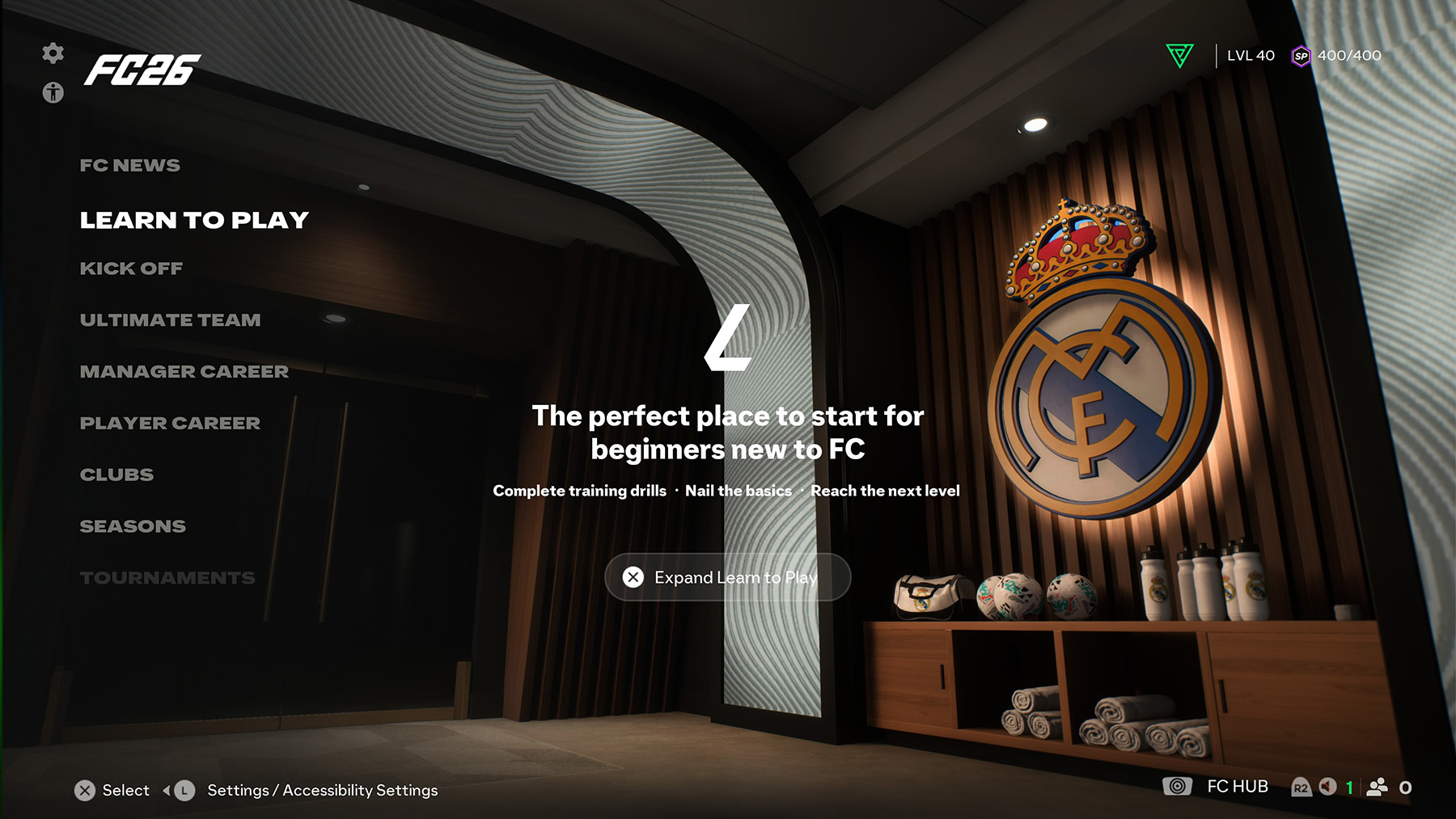
Learn to Play is an interactive training hub in FC 26 designed to teach players everything from the basics of passing and shooting to advanced techniques like skill moves, positioning, and tactical awareness. It’s accessible directly from the main Play menu and is perfect for players who want to build confidence before jumping into competitive modes like Ultimate Team, Clubs, or Career Mode.
Learn to Play Features in FC 26
- Basic Training – Passing, dribbling, shooting, defending, and goalkeeping fundamentals.
- Advanced Drills – Timed finishing, skill moves, first-touch control, and tactical pressing.
- Set Piece Tutorials – Learn how to take effective penalties, free kicks, and corners.
- Position-Specific Guides – Training tailored for strikers, midfielders, defenders, and goalkeepers.
- AI Challenges – Test your skills in guided scenarios that simulate real in-game situations.
- Performance Feedback – Get instant feedback on your execution to improve accuracy and consistency.
Here are the options available in the Learn to Play menu in FC 26:
- Training Centre – Step-by-step tutorials introducing the basics and advanced mechanics.
- Rush – Where you can learn the fast-paced Rush style of play and its unique set of rules.
- Skill Games – A variety of mini-games designed to test and improve specific abilities.
- Practice Arena – A free-play mode where you can practice with any player against a goalkeeper.
How to Access Learn to Play in FC 26
You can find Learn to Play from the Home Menu > Play > Learn to Play. Once inside, you can select which area of your game you want to focus on. Completing drills and tutorials will also reward you with in-game XP and help improve your mastery of controls.
Why Use Learn to Play?
Even experienced players can benefit from Learn to Play in FC 26. The mode is designed not only to teach but also to help you refine your techniques and adapt to new gameplay features introduced this year. Spending some time in Learn to Play can make a huge difference when you compete online or against tougher AI difficulty levels.
FAQ
Where can I find Learn to Play in FC 26?
It’s available from the Home Menu > Play > Learn to Play.
Is Learn to Play useful for experienced players?
Yes. Even advanced players can use it to learn new features introduced in FC 26 and refine their skills through Skill Games and advanced tutorials.
Do I earn rewards in Learn to Play?
Yes. Completing Skill Games and Training Centre lessons can grant you in-game XP and help track your progress, though no Ultimate Team rewards are given.
What is the Practice Arena?
The Practice Arena is a free-play mode where you can train with any player, practice shots, dribbles, and free kicks against a goalkeeper.
Can I choose which player to practice with?
Yes. You can select your favourite player to use in the Practice Arena and experiment with their skills and traits.
Comments