This step-by-step guide shows you exactly how to start playing EA Sports FC 26 Clubs mode: creating your Virtual Pro, building a play style, forming or joining a club, and getting into matches, plus quick tips to level up faster.
1) Open Clubs
- From the FC 26 Home menu go to Play > Clubs.
- Enable cross-play if you want to match or play with friends on the same generation (PS5, Xbox Series X|S, PC).
2) Create Your Virtual Pro
- Choose a Position – Pick the role you want to main (ST, CAM, CDM, CB, GK, etc.). You can switch later, but your build is tuned to the position you select.
- Set Physical Profile – Height/weight affect pace, strength, agility and jumping. Shorter builds = quicker/agile; taller/heavier = stronger/aerial.
- Pick Footedness & Animations – Preferred foot, penalty style, run style, and celebration.
- Customize Appearance – Face, hair, kit name/number, boots, accessories.
- Save – You can keep multiple presets to swap builds quickly.
Tip: If you plan to play winger/attacking mid, start lean and fast. If you plan to defend, add height and strength.
3) Build Your Play Style (Attributes, Perks & PlayStyles)
- Skill Points (SP) – Earned from matches. Spend them on the attribute tree (Pace, Shooting, Passing, Dribbling, Defending, Physical). Unlock Archetypes at the ends of branches for big boosts.
- Perks – Equip up to three Perks at first (a fourth slot unlocks later through progression). Examples: Precision Pass, Set Piece Specialist, Ball Winner. Swap Perks to fit your role.
- PlayStyles – Signature traits (for example: Rapid, Incisive Pass, Power Header). Level up to unlock more and upgrade key ones to PlayStyles+ for a stronger effect.
- Presets – Create multiple loadouts (e.g., “Pace CAM”, “Target ST”, “Ball-Winning CDM”) and switch in the lobby.
Rule of thumb: Max one lane first (e.g., Pace + Dribbling for winger, or Defending + Physical for CB) instead of spreading SP thin.
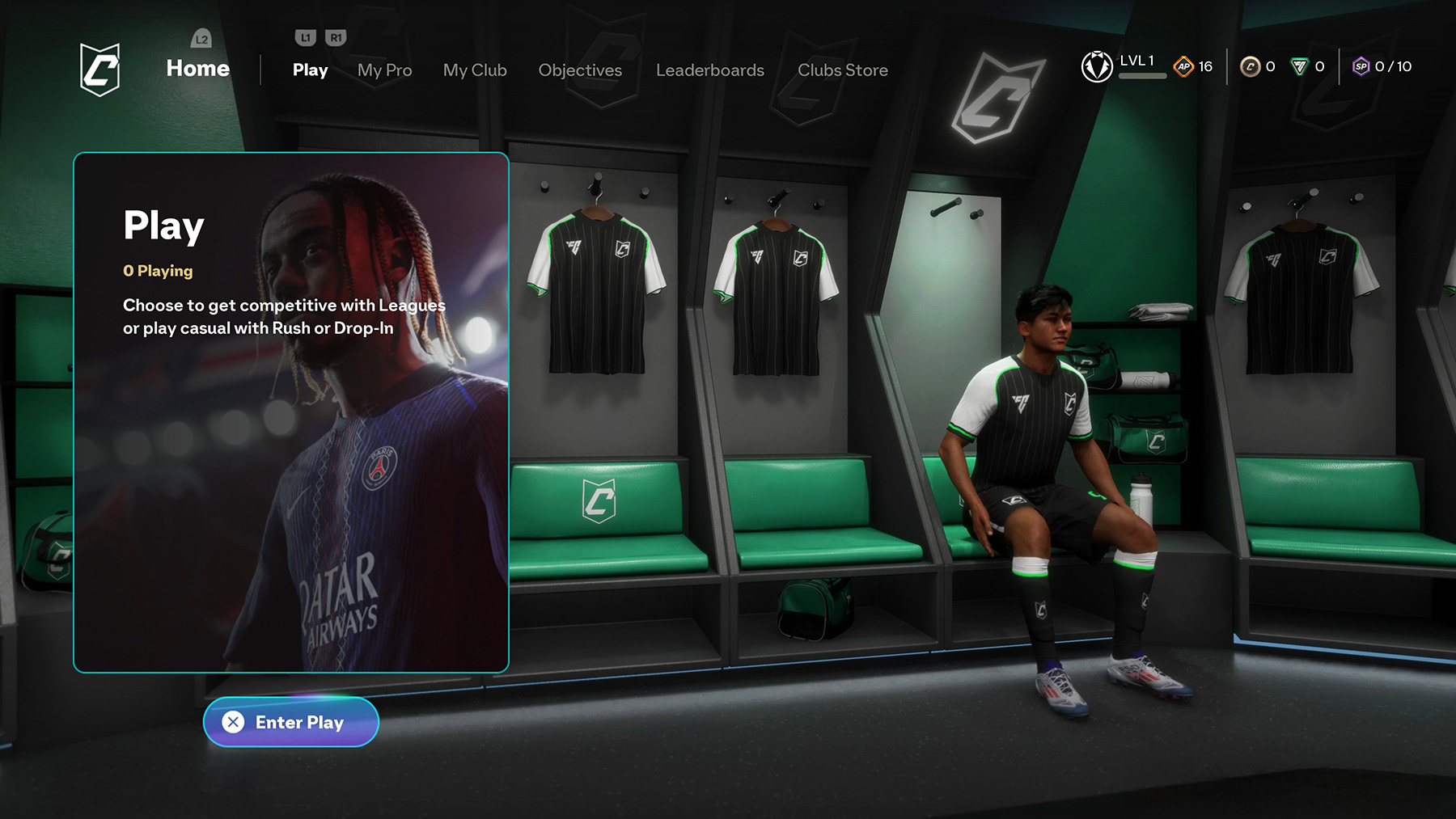
4) Join or Create a Club
- Create Club – Pick name/tag, kit, crest, and stadium vibe. Invite friends or make the club open.
- Join a Club – Accept an invite or search for public clubs with your language/region/role.
- Drop-In – No club? Jump into Drop-In to play instantly and still earn XP/SP.
Manager Tip: Set formations and roles in the club screen so everyone knows their position before queuing.
Comments