The Custom Tournament Mode in FC 26 Tournaments lets you design and play your own competitions with full control over the setup. Whether you want to recreate a real-life league or invent your own knockout challenge, this feature gives you plenty of flexibility.
Why Play Custom Tournaments in FC 26?
- Recreate real-life competitions not fully licensed in the game.
- Build dream tournaments by mixing clubs and national teams.
- Challenge yourself with unique formats (like all 64 teams in a knockout battle).
- Play locally with friends for competitive fun.
Tournament Types Available in FC 26
When creating a custom tournament, you can choose from three formats:
- League – Round-robin style where every team plays each other. (Up to 20–25 teams, depending on the platform)
- Knockout – Classic elimination format. (Up to 64 teams)
- Group & Knockout – Teams are divided into groups before moving into a knockout phase. (Up to 64 teams)
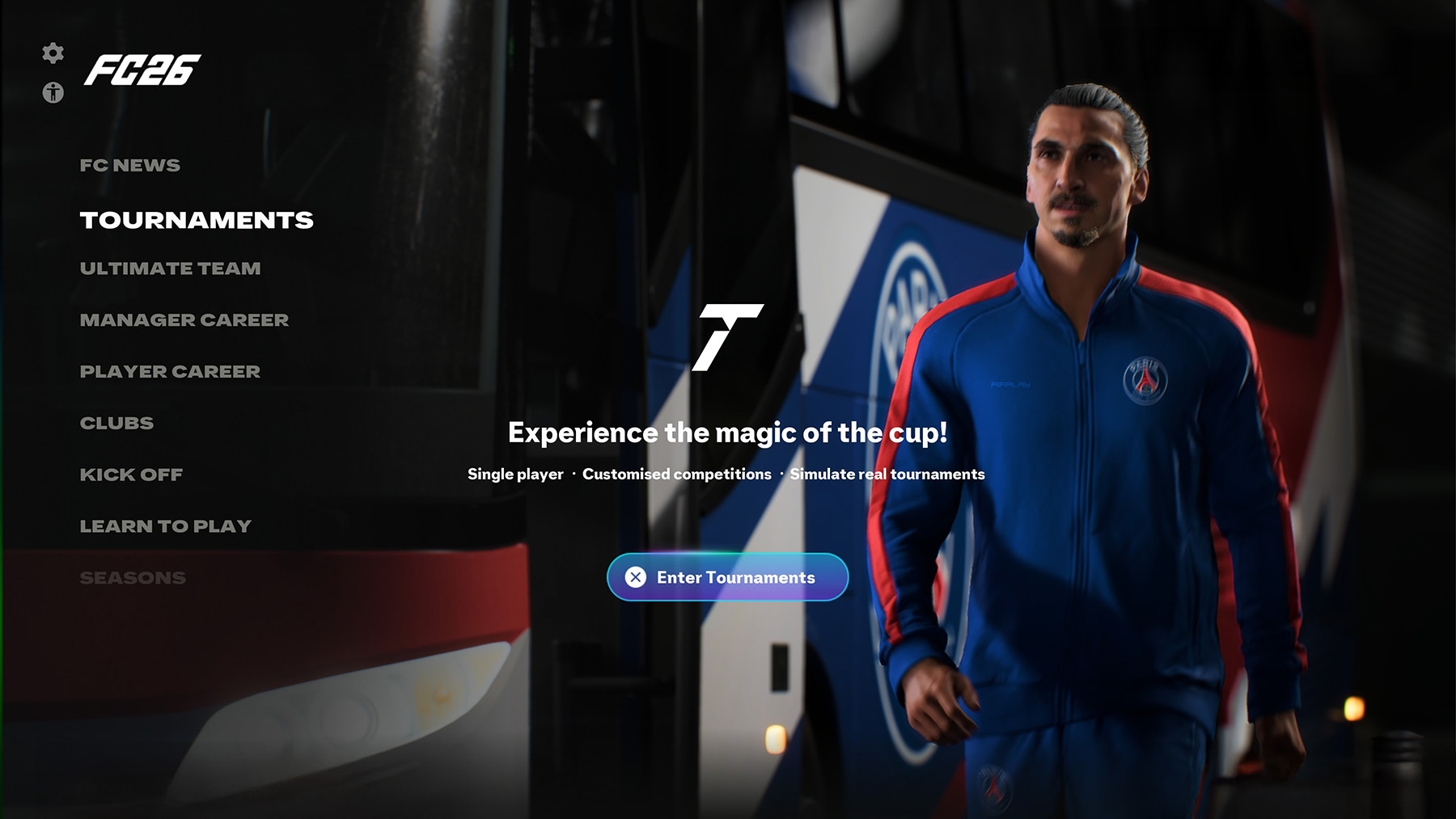
Step-by-Step: Creating a Custom Tournament
1 – From the FC 26 Home Menu, go to Play Modes > Tournaments > Custom Tournament.
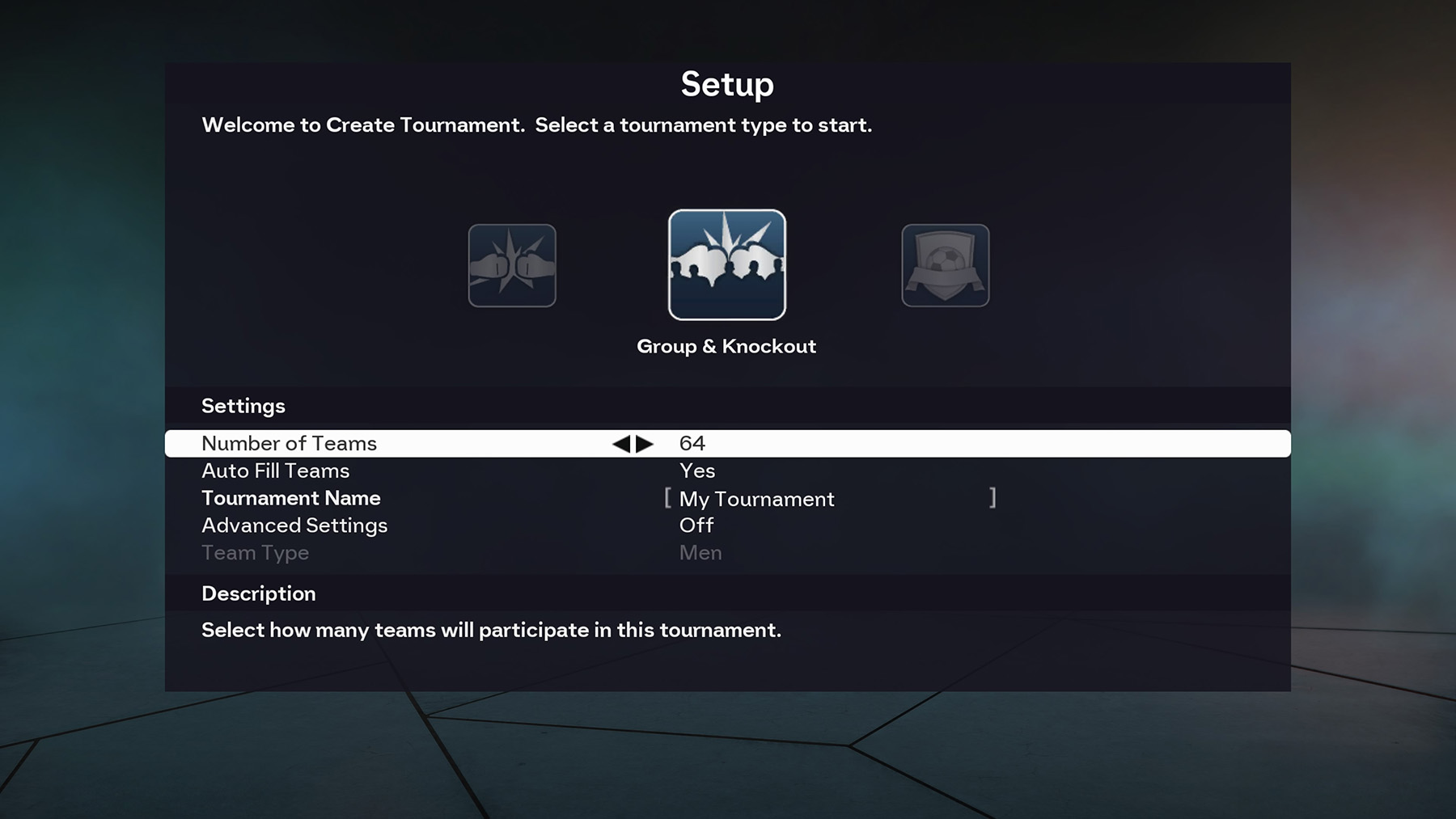
2 – Select your tournament type (League, Knockout, or Group & Knockout).
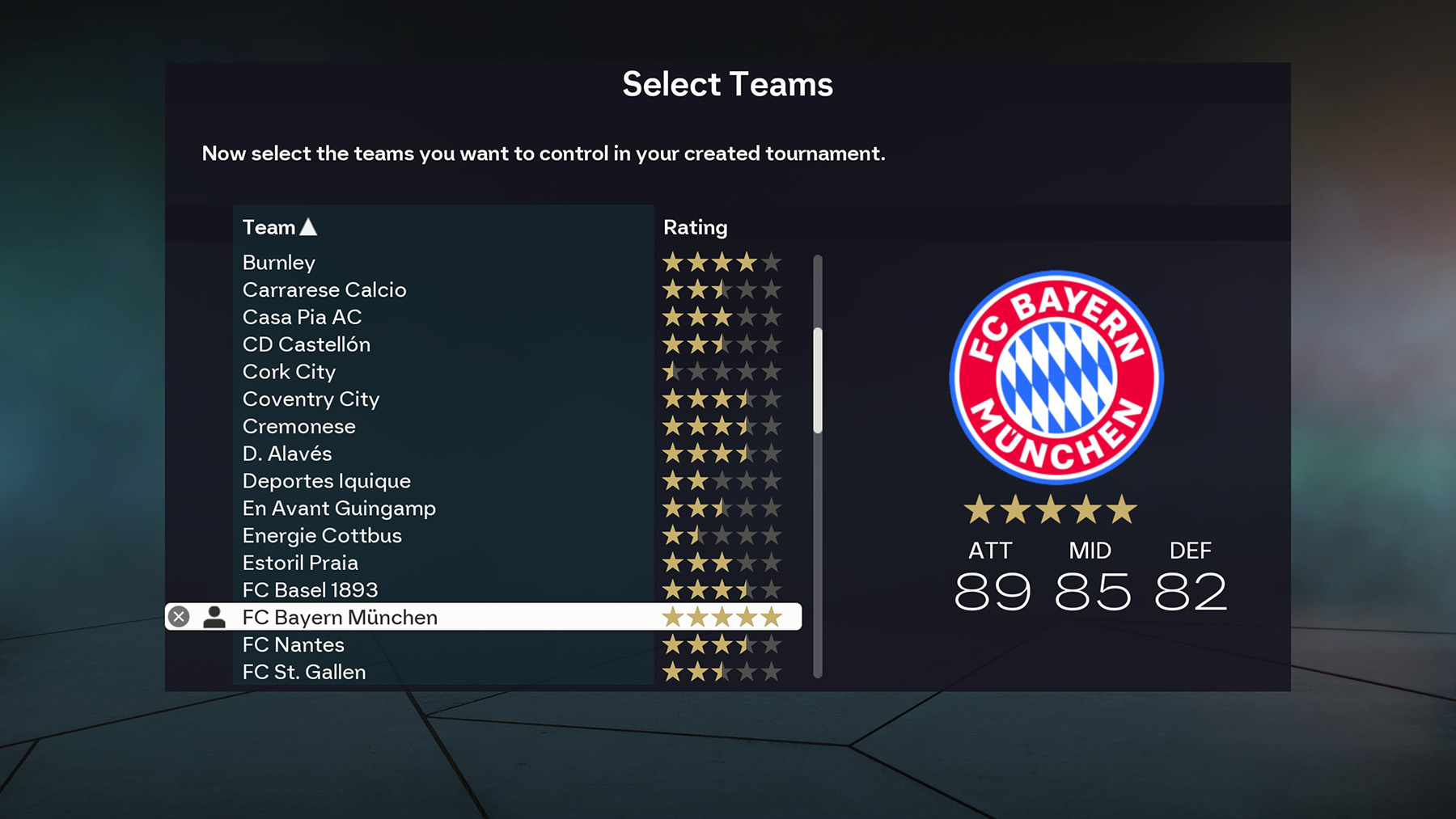
3 – Choose the number of teams you want to include.
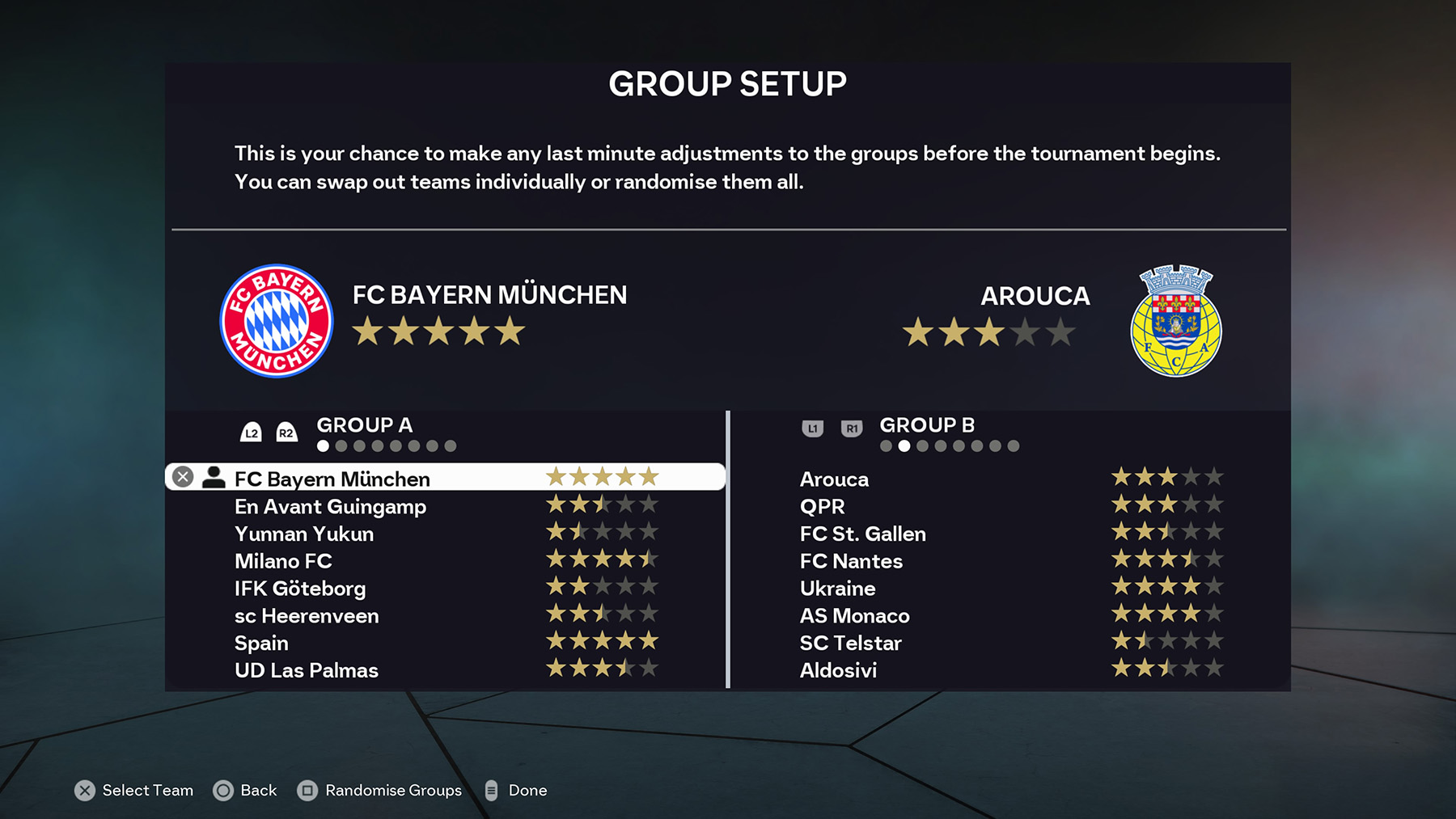
4 – Pick the teams manually or let the game auto-fill. You can include both club and national teams.
5 – Customise rules and settings:
- Match length
- Competition format
- Tie-breaker options
- Seeding and group placement (if applicable)
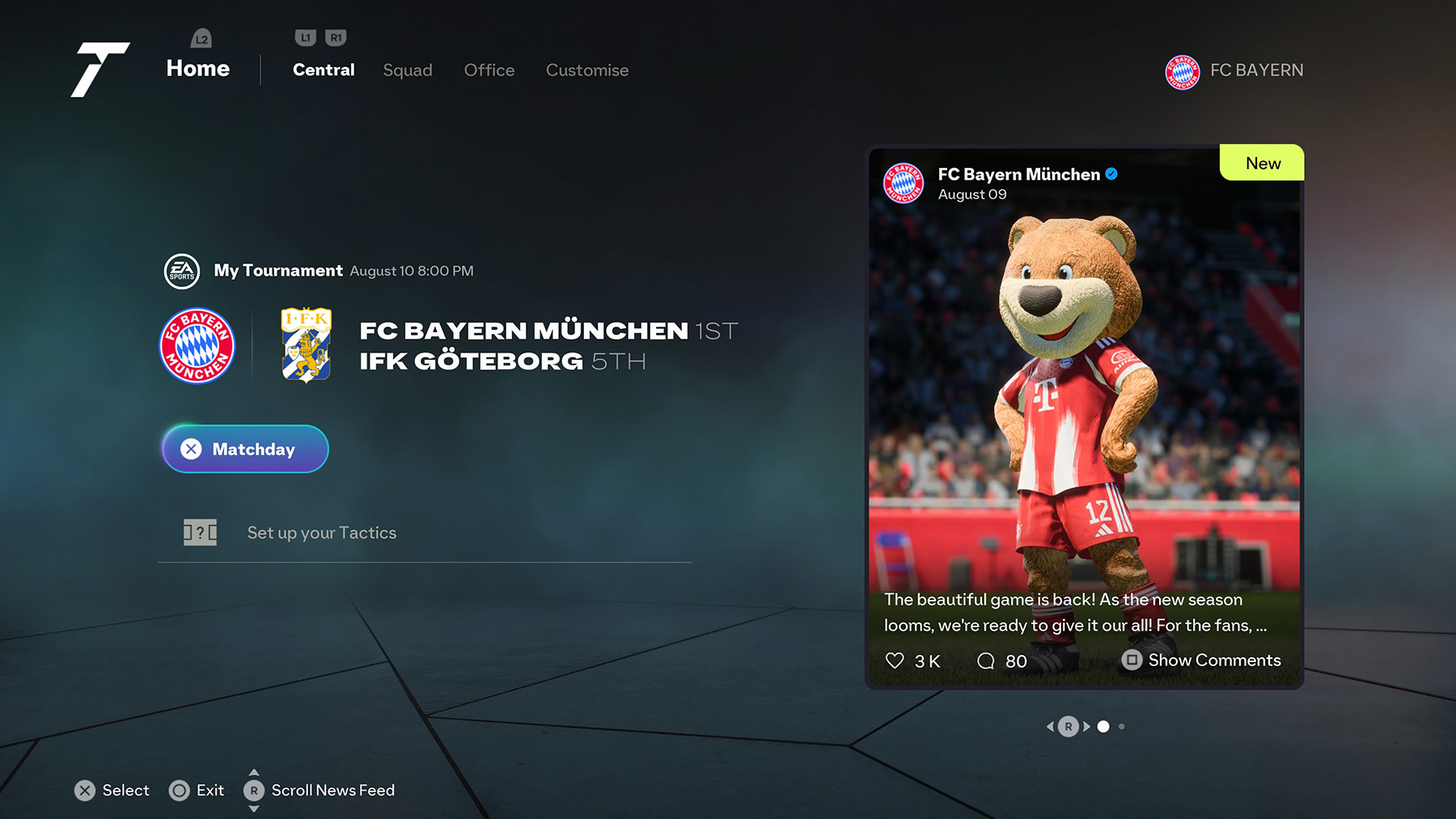
6 – Confirm your setup and start playing your custom-made tournament.
FAQ
Can I mix club and national teams in the same tournament?
Yes. FC 26 allows you to include both clubs and national teams in your custom competitions.
Can I edit rules and settings?
Yes. You can customise match length, tie-break rules, seeding, and even group placements before starting.
How many teams can I include in a custom tournament?
League tournaments allow up to 20–25 teams, while Knockout and Group + Knockout formats allow up to 64 teams.
Can I play my custom tournaments with friends?
Yes, custom tournaments support local multiplayer, letting you and your friends control different teams.
Are custom tournaments available online?
No. Custom Tournament mode is offline only. For online play, you will need to join official FC 26 online tournaments or play modes like Ultimate Team and Clubs.
My question is not listed here, what should I do?
No problem, just drop it in the comments below, share it with the community, and we will get back to you with an answer as soon as possible.
I don’t have any option to do anything except play classic game or classic women’s game. How do I get other game play options